.webp)
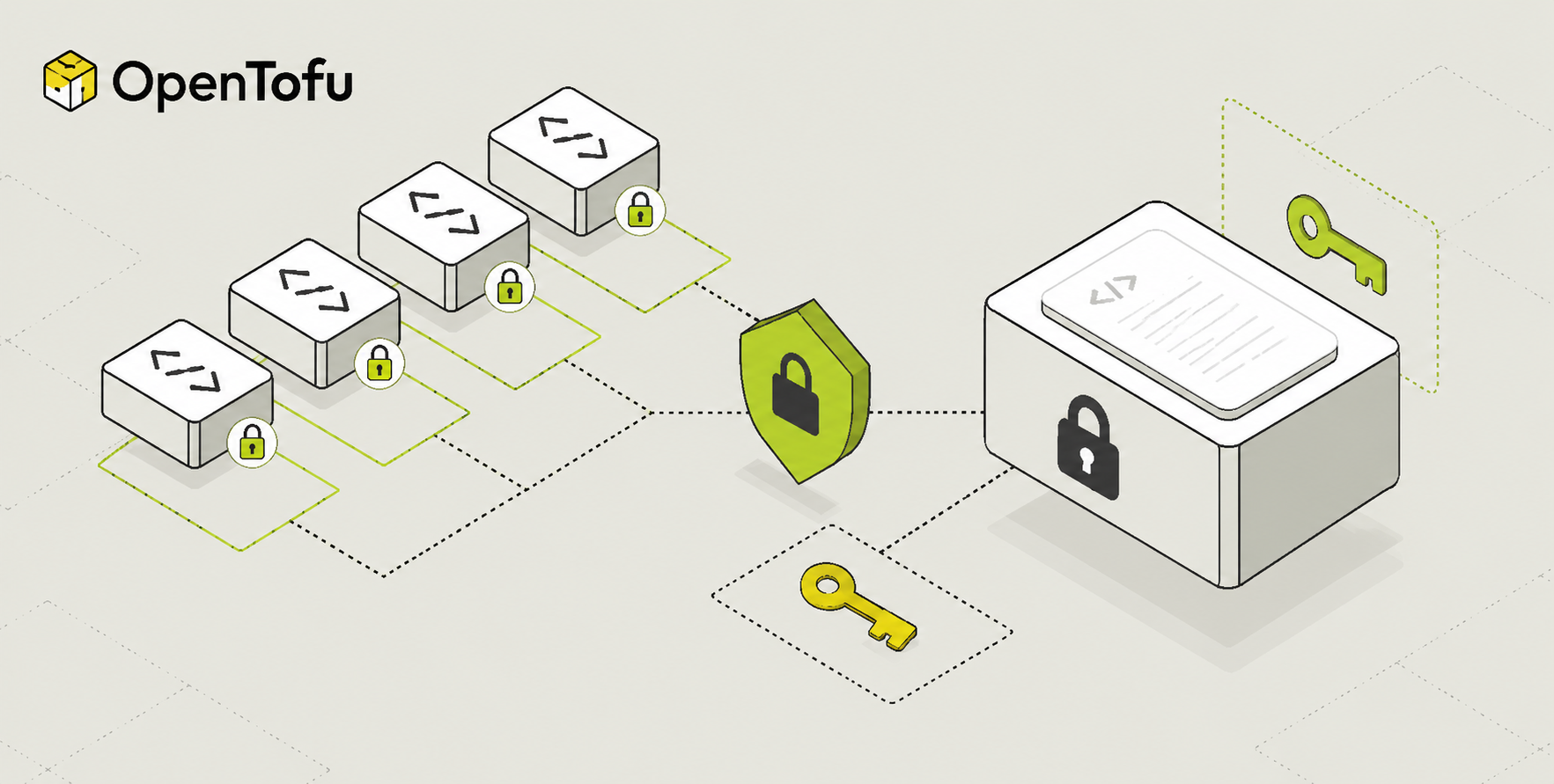
Infrastructure as Code brings enormous benefits — repeatability, version control, team collaboration. But it also creates a risk that many teams underestimate: sensitive data ends up stored in places it should never be.
Database passwords, API keys, TLS certificates, and cloud credentials can all find their way into OpenTofu state files, configuration files, or CI/CD logs — often without anyone realising it.
This guide explains where secrets leak in OpenTofu workflows, how to handle them safely, and how to use OpenTofu's native state file encryption (introduced in OpenTofu 1.7) to protect sensitive data at rest.
Why Secrets in IaC Are Dangerous
The problem is not that Terraform or OpenTofu handles secrets badly by design. The problem is that infrastructure provisioning requires secrets to exist at some point in the workflow — and without deliberate controls, they end up persisted in ways that are easy to overlook.
The State File Problem
OpenTofu (like Terraform) stores a complete record of every resource it manages in a state file. This state file includes the full attribute values of every resource — including values marked as sensitive in your configuration.
That means if you provision an RDS database with a master password, or create an IAM access key, or set a secret environment variable on a Lambda function — those values are written to terraform.tfstate in plain text.
⚠️ The sensitive = true attribute on a variable only hides the value from plan and apply output in your terminal. It does NOT prevent the value from being written to the state file in plain text.
Other Common Secret Leak Points
State files are the biggest risk, but they are not the only one. Secrets also end up in:
• Git repositories — .tfvars files, terraform.tfstate files, or hardcoded values committed by mistake
• CI/CD logs — when secrets are passed as environment variables and a tofu plan prints them in error messages
• Backend storage — unencrypted S3 buckets, Azure Blob containers, or GCS buckets storing state files
• Provider configurations — credentials hardcoded in provider blocks instead of using environment variables
OpenTofu Secrets Management Options
There is no single right answer for secrets management in OpenTofu. The best approach depends on your cloud provider, your existing tooling, and how sensitive the data is. Here is a comparison of the main options:
💡 The best approach is to layer these options: use state encryption as a baseline for all workloads, combine it with a secrets manager (Vault, AWS Secrets Manager, or cloud-native equivalent) for sensitive values, and use environment variables only for low-sensitivity CI/CD configuration.
State File Encryption (OpenTofu 1.7+)
OpenTofu 1.7 introduced native state file encryption — one of the most significant features that differentiates OpenTofu from Terraform. It lets you encrypt your state file at rest using a key you control, so even if someone gains access to your backend storage, they cannot read sensitive resource attributes.
Terraform does not have this feature. If state encryption is important to your team, this is a compelling reason to choose OpenTofu.
How State Encryption Works
You configure encryption in the terraform block using an encryption stanza. OpenTofu supports multiple key providers and encryption methods. The most straightforward option uses a passphrase-based key for getting started:
💡 Never hardcode the passphrase value directly in your configuration file. Always reference a variable and supply the value through an environment variable or a secrets manager — never commit it to Git.
Using AWS KMS for State Encryption
For production workloads on AWS, using AWS KMS as the key provider is more secure than a passphrase. KMS gives you key rotation, access controls, and an audit trail through CloudTrail:
Using GCP KMS for State Encryption
Encrypting Plan Files Too
By default, tofu plan -out=plan.tfplan saves a plan file that can also contain sensitive values. Add a plan block inside your encryption configuration to encrypt plan files as well:
✅ State encryption is additive — it does not change your workflow. You still run tofu init, tofu plan, and tofu apply exactly as before. OpenTofu handles encryption and decryption transparently in the background.
HashiCorp Vault Integration
HashiCorp Vault is the most comprehensive secrets management solution for multi-cloud teams. It provides dynamic secrets (credentials that are generated on demand and expire automatically), fine-grained access control, and a full audit log of every secret access.
Reading Secrets from Vault in OpenTofu
The Vault provider lets you read secrets directly into your OpenTofu configuration at plan time:
Dynamic Database Credentials with Vault
For the highest level of security, use Vault's database secrets engine to generate short-lived credentials on demand. The credentials expire automatically after a configurable TTL — so even if they are captured, they become useless quickly:
⚠️ When using dynamic credentials, the generated values will be written to your OpenTofu state file. This is exactly why combining Vault with state encryption is the recommended approach for production workloads.
AWS Secrets Manager Integration
For AWS-focused teams, AWS Secrets Manager is a simpler alternative to Vault. It integrates natively with IAM for access control and supports automatic secret rotation.
The key advantage of this approach is that the actual secret value never appears in your .tf files or version control. OpenTofu fetches it at plan time using your AWS credentials. The value will still appear in state — which is why state encryption should always be used alongside this pattern.
Environment Variables Best Practices
Environment variables are the simplest way to pass secrets to OpenTofu without hardcoding them. They are the right tool for low-to-medium sensitivity values like provider credentials and API tokens in CI/CD pipelines.
Using Environment Variables for Provider Credentials
All major providers support environment variable authentication. Always use these instead of hardcoding credentials in provider blocks:
Rules for Using Environment Variables Safely
• Never print environment variables in scripts — avoid env, printenv, or set commands in CI/CD pipelines that could expose them in logs
• Use CI/CD secret stores — GitHub Actions Secrets, GitLab CI Variables (masked), or AWS Parameter Store for storing and injecting secrets into pipelines
• Rotate credentials regularly — especially for long-lived CI/CD credentials that have broad permissions
• Scope permissions tightly — the AWS role or service principal used by your pipeline should only have the permissions it needs for the specific workloads it manages
• Never use environment variables for highly sensitive data — database master passwords, TLS private keys, and encryption keys should always go through a secrets manager
OpenTofu Secrets Security: Best Practices at a Glance
How env zero Handles Secret Management
Managing secrets safely in OpenTofu requires discipline across every team, every pipeline, and every environment. In practice, that discipline is hard to maintain manually — especially as teams grow and the number of workloads increases.
env zero provides the governance layer that makes secure secret handling the default, not the exception:
• No local credentials — developers never need cloud credentials on their laptops. All OpenTofu runs happen through env zero's platform, which injects credentials securely at runtime using short-lived tokens.
• Centralised state management with encryption — env zero manages state storage with encryption enabled by default across all workspaces. Teams do not need to configure backends or encryption manually.
• Secret scanning in plans — env zero scans plan output for patterns that look like secrets (API keys, tokens, passwords) and flags them before they can be accidentally logged or exposed.
• Policy enforcement — env zero can enforce policies that require sensitive variables to be marked correctly, prevent secrets from appearing in outputs, and mandate state encryption for specific workspace types.
• Audit trail — every run, every plan, every apply is logged with full attribution. If a secret is accessed or a sensitive resource is changed, you know exactly who did it and when.
Secrets management is one of the hardest operational challenges in IaC at scale. env zero is designed to make it significantly easier.
Frequently Asked Questions
Does sensitive = true prevent secrets from being stored in state?
No. The sensitive = true attribute on a variable or output only suppresses the value from being shown in terminal output during tofu plan and tofu apply. The value is still written to the state file in plain text. To protect secrets in state, you need to use state file encryption (OpenTofu 1.7+) and restrict access to the backend.
Is OpenTofu state encryption available in Terraform?
No. Native state file encryption is one of the features unique to OpenTofu. Terraform does not currently support it. If state encryption is a requirement for your team — for compliance reasons or general security posture — this is a meaningful reason to choose OpenTofu over Terraform.
Can I encrypt state for existing workloads without breaking anything?
Yes. OpenTofu's state encryption is designed to be enabled incrementally. You can add the encryption configuration to an existing workspace and run tofu apply — OpenTofu will encrypt the state on the next write. The existing state is not lost. It is recommended to take a manual backup before enabling encryption on a production workload, as an extra precaution.
What is the safest way to pass a database password in OpenTofu?
The safest pattern is: store the password in a secrets manager (Vault, AWS Secrets Manager, or equivalent), read it using a data source at plan time, reference it in the resource block, and enable state encryption so the value is protected at rest. Never hardcode passwords in .tf files or .tfvars files that could be committed to version control.
How do I stop secrets appearing in terraform plan output?
Mark the variable as sensitive = true. OpenTofu will redact the value in plan and apply output, replacing it with (sensitive value). Be aware that this does not protect the value in the state file — for that, you need state encryption.
Summary
Secrets security in OpenTofu is a layered problem that requires multiple controls working together. Here is the short version:
• The state file is your biggest risk — it stores sensitive resource attributes in plain text by default
• Enable state encryption — OpenTofu 1.7+ makes this native and straightforward, especially with AWS KMS or GCP KMS
• Use a secrets manager — pull secrets at plan time from Vault, AWS Secrets Manager, or your cloud provider's equivalent
• Environment variables are fine for provider credentials and low-sensitivity CI/CD config — not for highly sensitive data
• Mark all sensitive variables with sensitive = true to prevent them from appearing in terminal output
• Never commit secrets to Git — add state files and tfvars files to .gitignore from day one
Security is not a one-time configuration. It is an ongoing practice — and the teams that get it right are the ones that make it the default, not an afterthought.
Want to see how env zero makes secure OpenTofu workflows the default for your entire platform team? [Talk to our team →](#)